|
2021-12-07 16:20 developer |
|
|
|
Hi River, In my test, 1. When i use "blue+1230+OK", Vod contents playback is ok. 2. I can't remove /btv_home folder in shell. Thanks. |
|
|
스크린샷 2021-12-08 오전 9.27.26.png (44,435 bytes) |
|
|
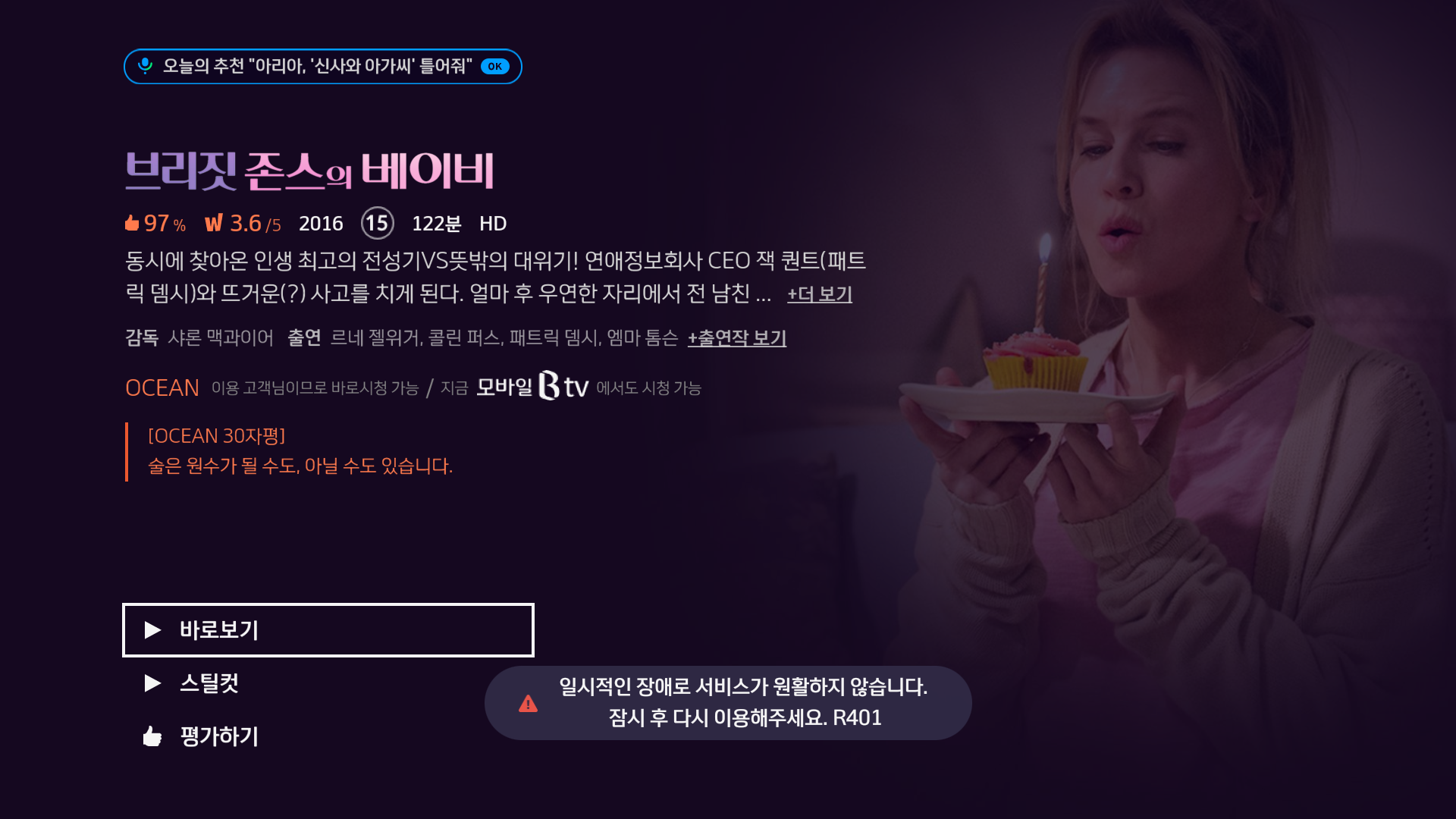
Hi Wooshin, For the "rm -rf /btv_home", I think it is ok to have "Device or resouce busy" because you can see all file are deleted and only a 0 size "/btv_home/tmp" can not be deleted. BTW, which version of image do you use for testing? For our case, it seems the skvod server reject us with a 401 error (MODE_FAIL) as you can see in the following log. Is it possible that our "login account" has some limitation to play VOD? 12-07 17:33:38.582 5651 5651 I VODPlayer: processOTPPlayVOD 12-07 17:33:38.582 5651 5651 I VODPlayer: getVODSMI() : false 12-07 17:33:38.583 5651 5651 I VODPlayer: VOD Content playMedia 12-07 17:33:38.583 5651 5651 I VODPlayer: Request playMedia [skbvod://ecdnrtsp.hanafostv.com:554/movie/34050/M340587_0_210519_1234.ts.pac?ci={78F422DA-A1A9-11E7-A2FE-DD38E6528CD4}&oi=747aM340587_0_210519_1234&op=4a106055041&rp=9] 12-07 17:33:39.580 5651 5651 E VODPlayer: VOD Play OnError [10000][401] 12-07 17:33:39.580 5651 5651 D VODPlayer: sendPreviewInSynopsisInfo state error, curPlayTye default 12-07 17:33:39.583 5651 5651 D VODPlayer: showErrorAndExit() VODPlayerError.vodErrCode : R401 12-07 17:33:39.583 5651 5651 I VODPlayer: ** onErrorVODPlay ** 12-07 17:33:39.583 5651 5651 I VODPlayer: SvcVodCid : {78F422DA-A1A9-11E7-A2FE-DD38E6528CD4} 12-07 17:33:39.583 5651 5651 I VODPlayer: Vod1VodScsRt : null 12-07 17:33:39.583 5651 5651 I VODPlayer: Vod1VodDownIp : tvsrtsp://ecdnrtsp.hanafostv.com:554/ 12-07 17:33:39.587 5651 5651 I VODPlayer: Vod1VodDownRt : 00.022 12-07 17:33:39.588 5651 5651 I VODPlayer: Vod3VodContentName : 윈드 리버[] 12-07 17:33:39.588 5651 5651 I VODPlayer: Vod3VodContentUrl : skbvod://ecdnrtsp.hanafostv.com:554/movie/34050/M340587_0_210519_1234.ts.pac?ci={78F422DA-A1A9-11E7-A2FE-DD38E6528CD4}&oi=747aM340587_0_210519_1234&op=4a106055041&rp=9 12-07 17:33:39.588 5651 5651 I VODPlayer: Vod4VodErr : MODE_FAIL 12-07 17:33:39.588 5651 5651 I VODPlayer: Vod4Msg : R401 12-07 17:33:39.597 5651 5651 I VODPlayer: onStopEvent Called 12-07 17:33:39.597 5651 5651 D VODPlayer: onStopEvent mPlayer.getPlayState : Error |
|
|
Hi River, S/W version in my box is 19.532.11 which is built in 20211129. It is ok also by manual reset ( rm -rf btv_home + reset android data at google settting) But I can reproduce it by below steps. 1. rm -rf /btv_home 2. play vod contents 3. I saw error R401. Thanks. |
|
|
Hi Wooshin. I will test 19.532.11 image which is built in 20211129. But when you have error R401, how do you recover it? |
|
|
Hi River, When i have error R401, login UI was displayed after reboot. It is working correctly after inputting key. Thanks. |
|
|
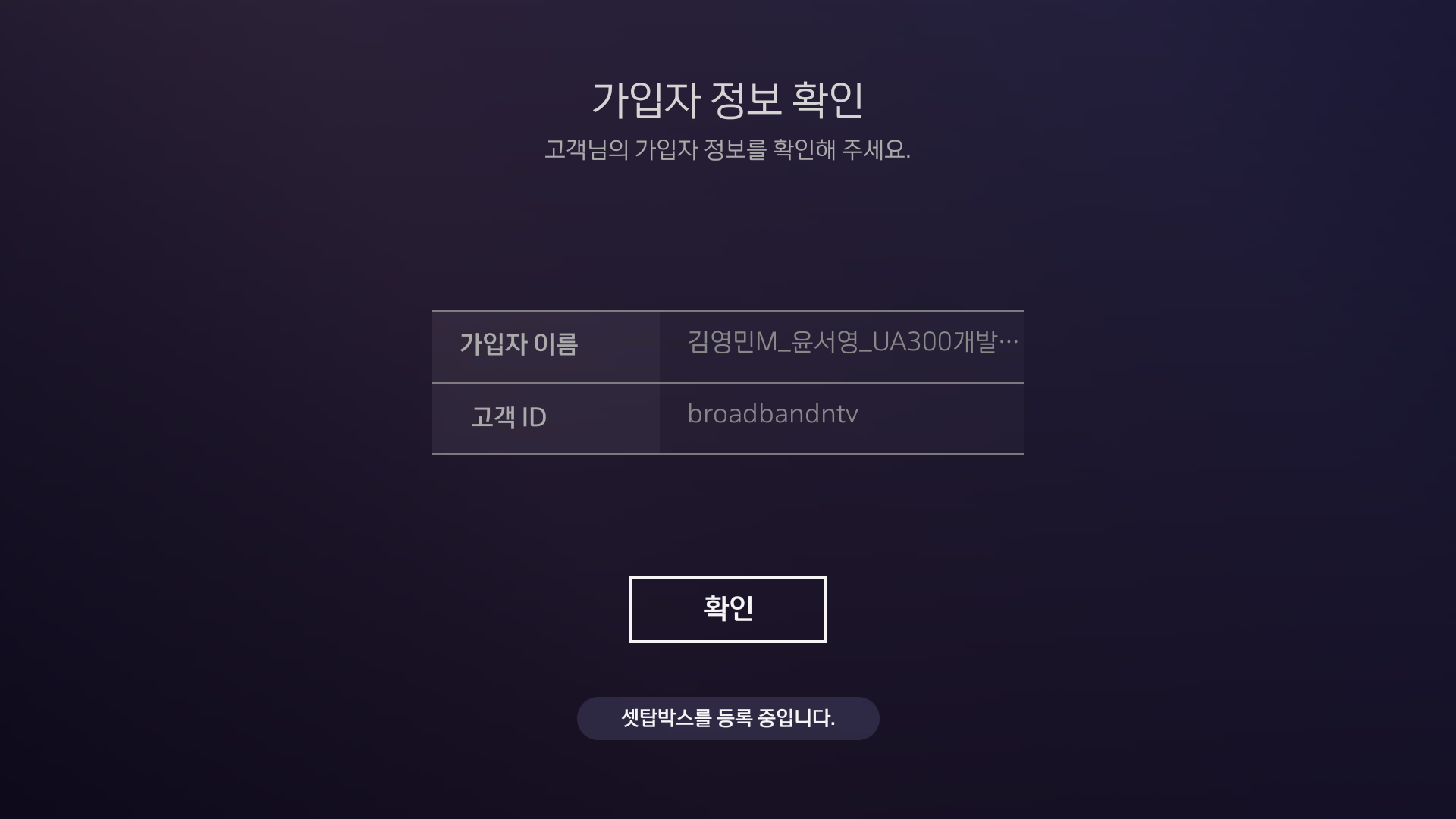
Hi Wooshin, I tested the image SD image in http://altserver01.iptime.org/release_by_fxn/swan_nightly/SD_IMG/BFX-UA300_20211129_SD_v532r11_D319/. After I enter login account, I will stop at second login page as attached picture and can not enter to Main UI. If I reboot the SWAN, then the main UI can show up but I still have R401 error when playing VOD. No matter how I did, I still see the R401. I think it maybe two possibles: 1. The Network environment is different (We use VPN network) 2. The login account has different access limitation. For 2, could you lend me a login account and related MAC address? (I can change our box to the same MAC and do the test again) If you can lend me the account, please note to turn off your SWAN to avoid duplicate. login. login_stop.png (81,205 bytes) |
|
|
Below is information for my box and my box is turn off. 64:6C:80:FF:B7:02 711834 100601055970 Please inform to me if you finish to test. Thanks. |
|
|
Hi Wooshin, Thanks, I finished my test and change back to my original MAC. You can use MAC 64:6C:80:FF:B7:02 now. As to my test to use your MAC, the issus is the same. I stop at second login page and reboot can enter Main UI. But it still show R401 message when I play VOD in Ocean menu. If your MAC is no problem in your side, I think it should be related to network environment. But I can not explain why Eagle has no such issue to play VOD in my same network environment. |
|
|
Hi River, Please let me know how do you recover it..? I will check more. Thanks. |
|
|
Hi Wooshin, Actually, I still do not know how to recover it. If I find it, I will inform you. |
|
|
Hi, I have discussed it with SPTEK(MW), but they told me that sptek doesn't know what is problem because it is response from server. thanks. |
|
|
It seems an environment issue. We will keep on monitoring it. If any problem, we will reopen it. |
|
|
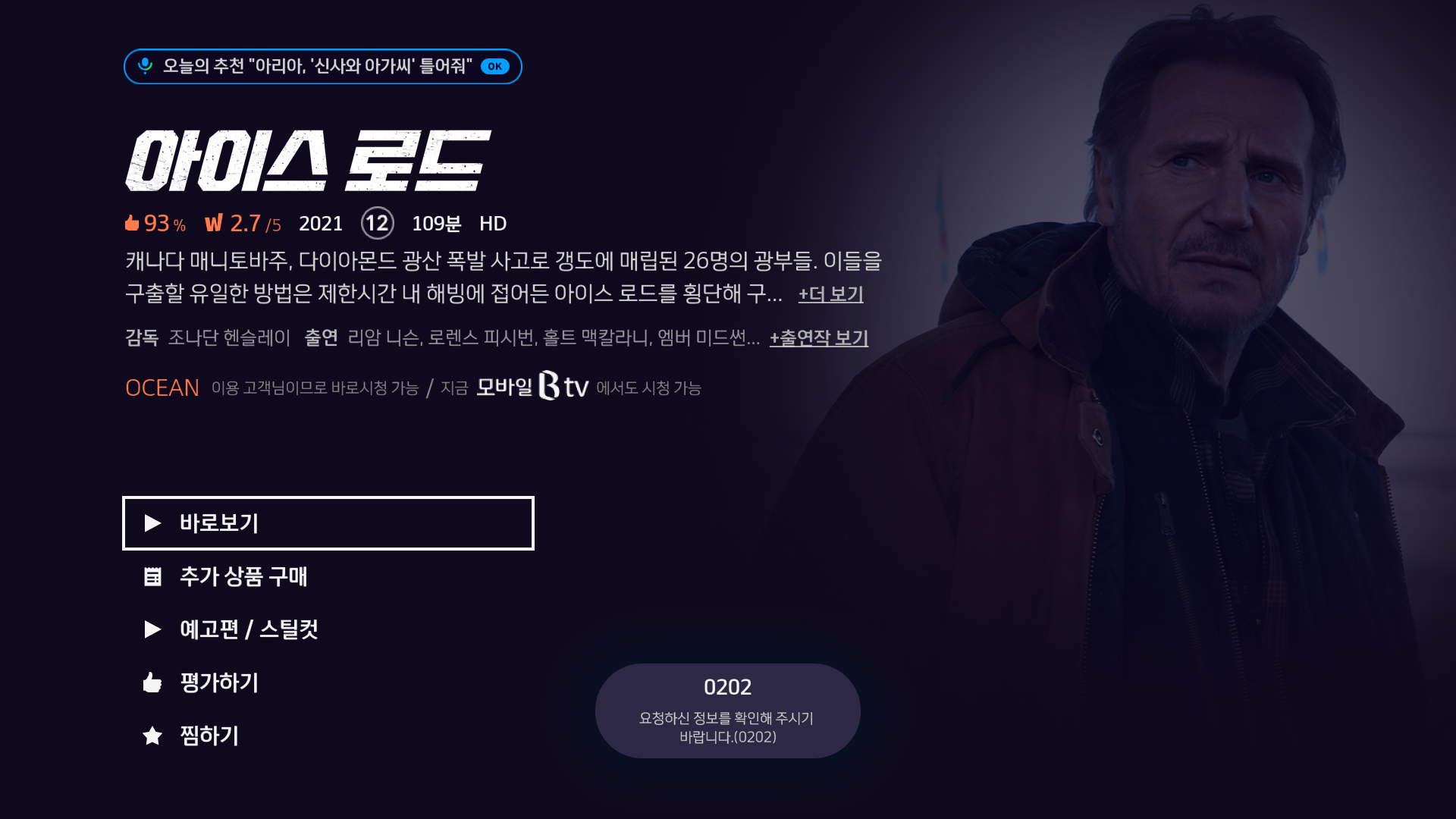
Hi Wooshin, I test the 2021/12/29 daily build image. I still has R401 issue and issue in 0001406:0008868. But if you do not have those issues, I think it is ok so for. Because we can test issue with IPTV channel by ffmpeg. |
- yk.jung ( (ALTech) Younkwang Jung ) developer